Top 15 Items For Laptop Table That Increase Your Productivity
Your laptop table is more than just a surface to place your computer. It is your personal command center where ideas come to life, deadlines are met, and goals are achieved. However, a cluttered or poorly equipped workspace can silently kill your productivity without you even realizing it. The right accessories can transform an ordinary desk into a powerhouse of efficiency, comfort, and motivation. Whether you work from home, a coffee shop, or a traditional office, having the proper tools within arm’s reach makes all the difference in how you perform throughout the day.
In this article, we explore the top fifteen must-have items for your laptop table that will supercharge your productivity and help you work smarter, not harder. These items are carefully chosen to enhance ergonomics, organization, focus, and overall workflow efficiency.
1. Laptop Stand
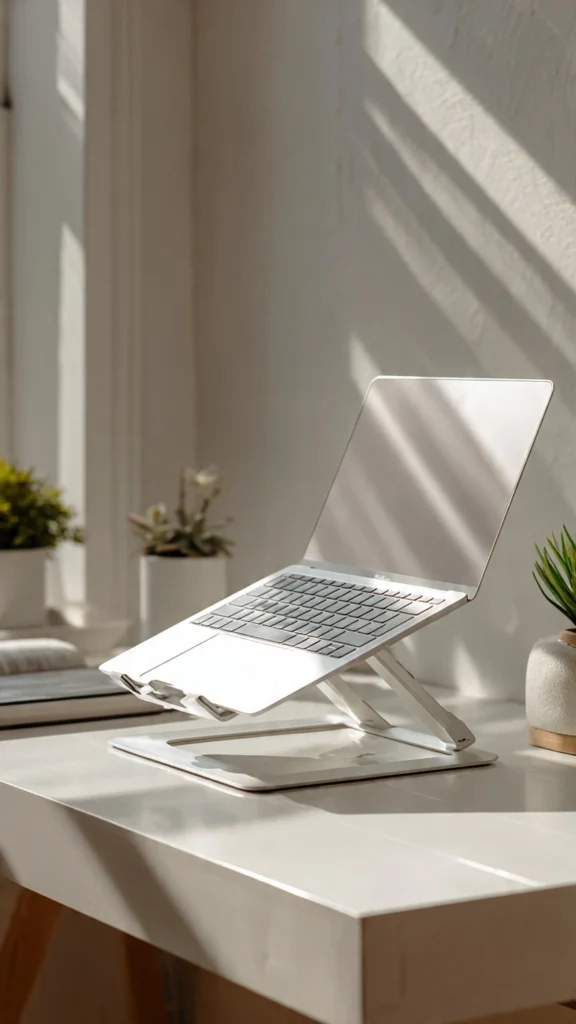
A laptop stand is arguably the most important productivity accessory you can invest in for your workspace. When your laptop screen sits at eye level, you naturally maintain better posture throughout the day. This reduces neck strain, back pain, and the fatigue that comes from hunching over a low screen for hours. Ergonomic positioning allows you to focus longer without physical discomfort slowing you down or distracting your concentration.
Most laptop stands are lightweight, portable, and adjustable, making them perfect for people who work in different locations. Whether you prefer aluminum, wooden, or plastic designs, there is a stand to match every aesthetic and budget. Many stands also improve airflow beneath your laptop, preventing overheating and keeping your device running smoothly for extended work sessions without performance drops.
2. External Wireless Keyboard

An external wireless keyboard paired with a laptop stand creates an ergonomic dream setup that your body will thank you for every single day. Typing on a raised laptop is uncomfortable, but a separate keyboard positioned at elbow height allows your wrists to stay neutral. This simple change can prevent repetitive strain injuries and carpal tunnel syndrome while dramatically improving your typing speed and overall accuracy throughout long work sessions.
Wireless keyboards eliminate cable clutter, giving your desk a clean and organized appearance that promotes mental clarity. Many modern options feature quiet keys, backlit designs, and long battery life. Some even offer programmable shortcut keys that let you automate repetitive tasks with a single press, saving valuable minutes that add up significantly over weeks and months of consistent productive work.
3. Wireless Mouse
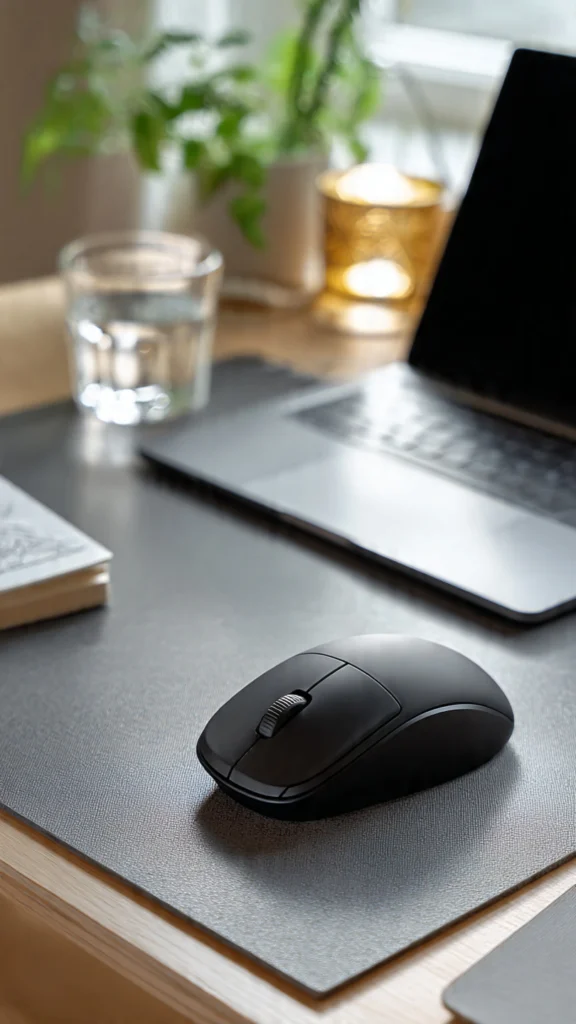
Using a touchpad for extended periods is inefficient and uncomfortable for most people who do serious work on their laptops daily. A wireless mouse offers precision, speed, and comfort that a trackpad simply cannot match. Ergonomic mouse designs support your hand’s natural resting position, reducing strain during long hours of clicking, scrolling, and navigating through documents, spreadsheets, and design software that demand accuracy and quick movements.
Many wireless mice now come with customizable buttons that allow you to assign shortcuts for frequently used actions. This means less time navigating menus and more time actually getting work done efficiently. Whether you choose a compact travel mouse or a full-sized ergonomic model, this small investment delivers massive returns in daily productivity and comfort for any professional or student.
4. Desk Organizer

A cluttered desk leads to a cluttered mind, and research consistently supports this connection between physical environment and mental performance. A desk organizer keeps all your essential supplies neatly sorted and within easy reach, eliminating the frustrating time wasted searching for pens, sticky notes, chargers, or paper clips. When everything has a designated place, your brain can focus entirely on the task at hand without unnecessary distractions.
Desk organizers come in countless materials and styles, from minimalist acrylic designs to warm bamboo constructions that add natural beauty to your workspace. Choose one with multiple compartments to separate different categories of items logically. This small addition creates visual order on your laptop table that subconsciously signals your brain to stay focused, organized, and ready to tackle whatever challenges your workday brings.
5. USB Hub or Docking Station
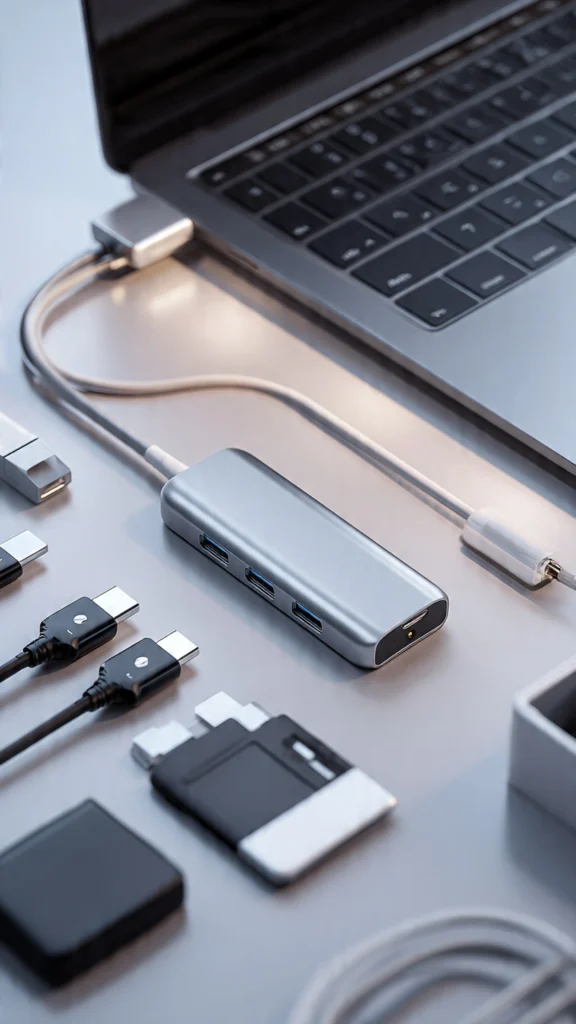
Modern laptops are becoming thinner with fewer ports, making a USB hub or docking station an essential productivity tool for anyone who uses multiple peripherals. Instead of constantly plugging and unplugging devices, a hub gives you instant access to multiple USB ports, HDMI output, SD card readers, and ethernet connections all through a single connection point that keeps your workflow seamless and uninterrupted.
A good docking station essentially transforms your laptop into a full desktop workstation within seconds. You can connect external monitors, keyboards, mice, and storage devices effortlessly. This eliminates the friction of switching between devices and setups, allowing you to dive straight into work mode. For professionals who value efficiency and hate wasting time on technical setup, a quality USB hub is absolutely non-negotiable.
6. Blue Light Blocking Glasses

Staring at a laptop screen for hours exposes your eyes to harmful blue light that causes eye strain, headaches, and disrupted sleep patterns over time. Blue light blocking glasses filter out these wavelengths, allowing you to work longer and more comfortably without the burning, dry sensation that typically sets in during extended screen sessions. Protecting your eyes directly translates to sustained focus and higher quality output throughout your workday.
Wearing blue light glasses is especially beneficial during evening work sessions when blue light exposure can interfere with your body’s natural melatonin production and circadian rhythm. By reducing this interference, you sleep better at night, which means you wake up refreshed and ready to be productive the next day. It is a simple, affordable investment that creates a powerful positive cycle of better rest and better performance.
7. Noise-Canceling Headphones

Distractions are the biggest enemy of productivity, and noise is often the most persistent distraction in any work environment. Noise-canceling headphones create a personal bubble of silence or controlled sound that allows you to concentrate deeply on your work. Whether you are in a noisy coffee shop, a bustling open office, or a busy household, these headphones block out interruptions and help you enter a focused flow state quickly.
Beyond noise cancellation, many headphones offer exceptional audio quality for video calls, music, and podcasts that can enhance your work experience. Listening to focus-enhancing music or ambient sounds while working has been proven to boost concentration and creativity significantly. Investing in a quality pair of noise-canceling headphones is one of the best decisions you can make for protecting your focus and maximizing productivity every single day.
8. Desk Lamp with Adjustable Brightness
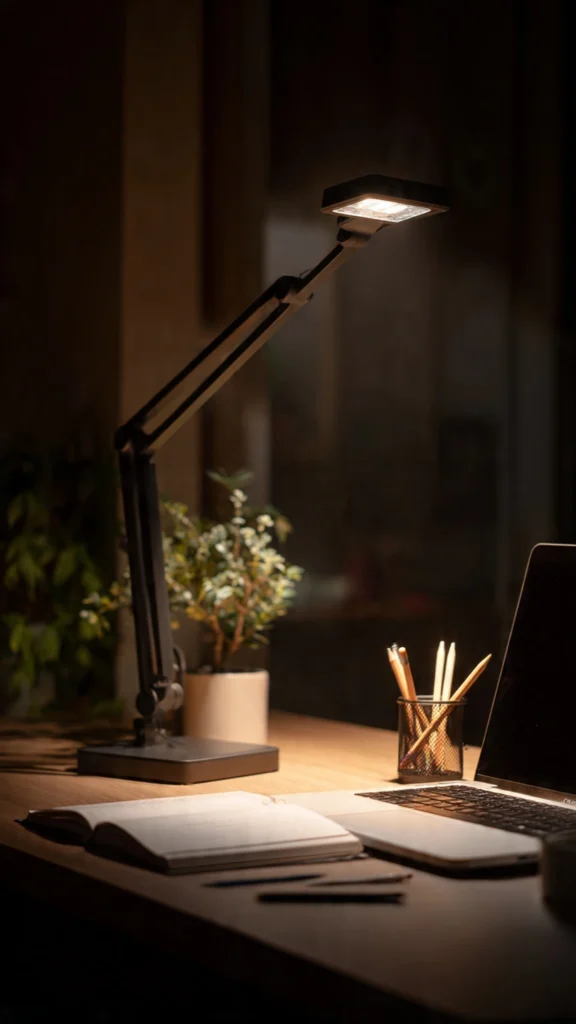
Poor lighting causes eye strain, headaches, and fatigue that quietly drain your productivity without you noticing until the damage is already done. A quality desk lamp with adjustable brightness and color temperature settings lets you customize your lighting to match your task and time of day perfectly. Bright cool light energizes you during intensive work, while warm dim light creates a comfortable atmosphere for creative brainstorming or reading sessions.
LED desk lamps are energy-efficient, long-lasting, and often come with features like USB charging ports and touch controls for convenience. Some advanced models even offer memory functions that remember your preferred settings. Positioning your lamp correctly eliminates screen glare and shadows on your workspace, creating optimal visual conditions that allow you to work comfortably and efficiently for extended periods without straining your eyes.
9. Cable Management Clips
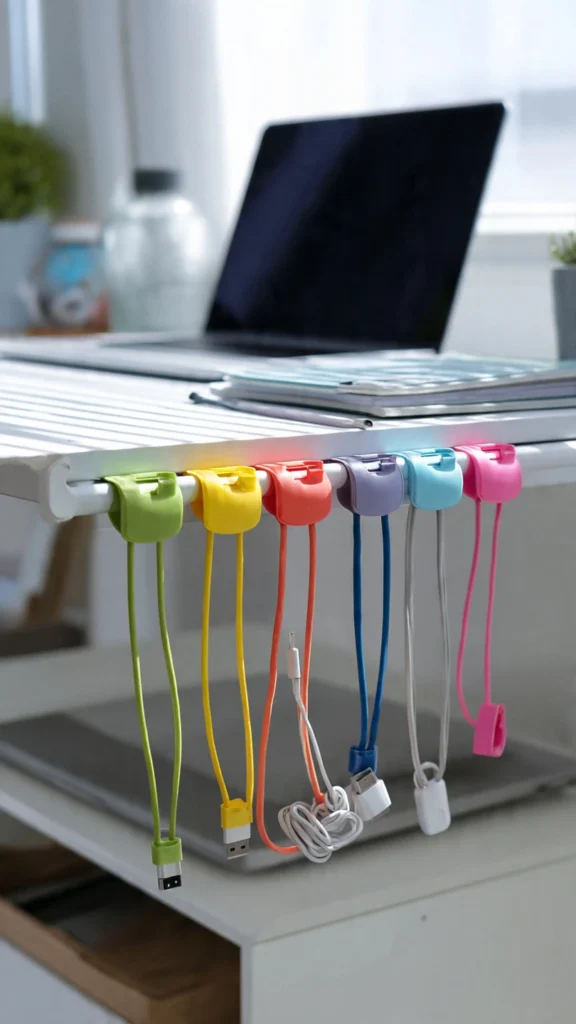
Tangled cables are not just visually distracting but also functionally annoying when you need to quickly grab the right charger or connection during a busy workday. Cable management clips attach to the edge of your desk and hold each cable in its designated position, preventing them from sliding off the table or getting tangled with each other. This small organizational tool saves time and keeps your workspace looking professional and clean.
These clips are incredibly affordable and come in various designs to match your desk aesthetic, from minimalist clear clips to colorful silicone holders. By organizing your cables, you eliminate the visual chaos that subconsciously increases stress and reduces focus. A clean, cable-free desk surface gives you more usable workspace and creates a calming environment that helps your brain stay organized, focused, and productive throughout every working session.
10. Portable External Monitor

A second screen can increase your productivity by up to forty percent according to multiple workplace studies, and portable external monitors make this benefit accessible anywhere you work. Instead of constantly switching between tabs and applications on a single screen, you can spread your work across two displays. Keep your research on one screen while writing on the other, or monitor emails while working on your primary project simultaneously. If you are looking for the best options available right now, check out this comprehensive guide to the best portable monitors on CNET to find the perfect fit for your needs and budget.
Portable monitors are lightweight, slim, and connect easily through USB-C or HDMI, making them ideal companions for remote workers and digital nomads. Many models offer full HD or even 4K resolution with excellent color accuracy. This tool is particularly valuable for designers, programmers, writers, and financial professionals who regularly work with multiple applications and need visual real estate to maintain their workflow efficiency and accuracy.
11. Mousepad with Wrist Rest
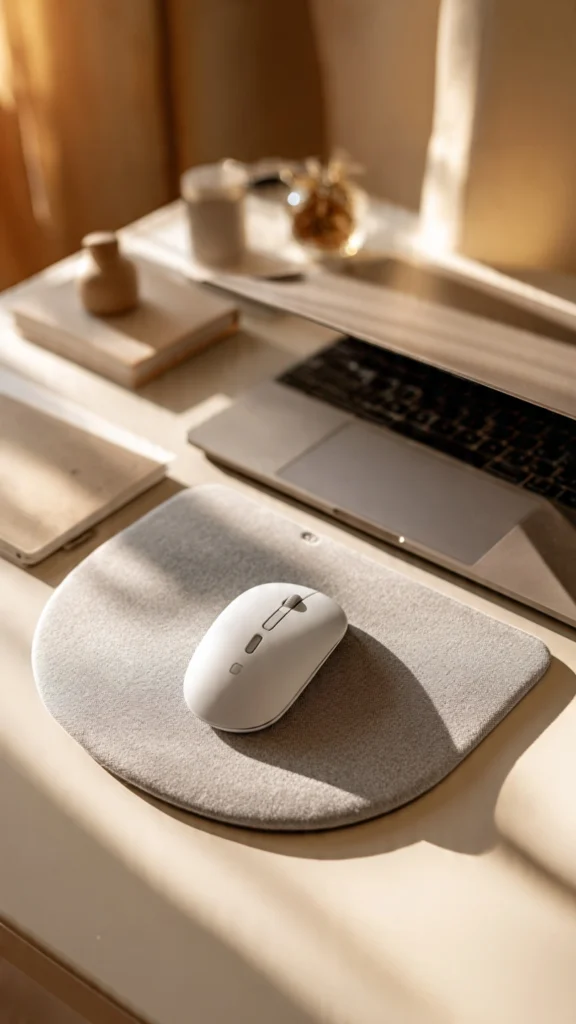
An ergonomic mousepad with a built-in wrist rest provides crucial support that prevents wrist fatigue and discomfort during extended mouse use throughout your workday. The cushioned rest keeps your wrist in a neutral, elevated position that reduces pressure on the carpal tunnel and surrounding tendons. This seemingly small accessory can prevent serious repetitive strain injuries that could otherwise sideline you from work for weeks or months.
High-quality mousepads also provide a smooth, consistent tracking surface that improves your mouse’s accuracy and responsiveness significantly compared to using it directly on a desk surface. Many options feature non-slip rubber bases that keep the pad firmly in place during use. Extended-size mousepads can accommodate both your keyboard and mouse, creating a unified, comfortable surface that protects your desk and enhances your overall work experience beautifully.
12. Small Indoor Plant

Adding a small indoor plant to your laptop table is not just about aesthetics; it is a scientifically backed productivity booster that works silently in the background every day. Studies from multiple universities have shown that having plants in your workspace can increase productivity by up to fifteen percent. Plants improve air quality by filtering toxins, increase humidity, and create a calming presence that reduces stress levels and enhances overall well-being during work hours.
Low-maintenance plants like succulents, pothos, or small snake plants are perfect for desk environments because they require minimal care and thrive in indoor lighting conditions. The presence of greenery also sparks creativity and improves mood, making challenging tasks feel less overwhelming and more approachable. This tiny investment in nature brings life to your workspace and creates a healthier, more inspiring environment that naturally encourages better focus and productivity.
13. Digital Timer or Pomodoro Clock
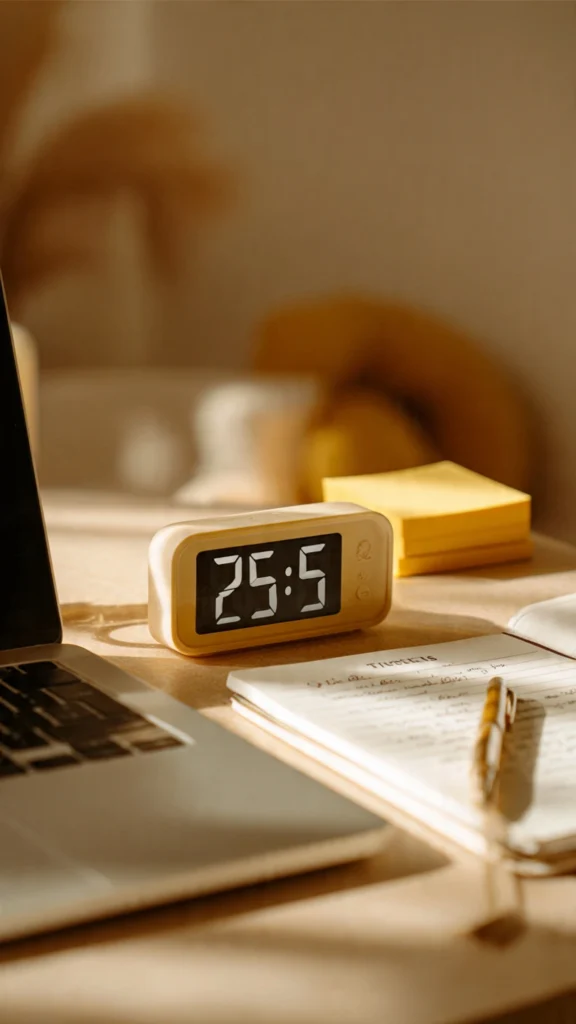
Time management is the foundation of productivity, and a dedicated digital timer on your desk serves as a constant visual reminder to stay focused and work with intention. The Pomodoro Technique, which involves working in focused twenty-five-minute intervals followed by short five-minute breaks, has been proven to dramatically improve concentration and output quality. Having a physical timer makes this method tangible and easier to follow compared to phone-based timers.
Using a physical timer also eliminates the temptation to pick up your smartphone, which often leads to mindless scrolling through social media and wasted minutes that accumulate into lost hours. A desktop timer keeps you accountable without digital distractions. Many models feature silent countdowns, customizable intervals, and alarm options that fit different working styles and help you build a disciplined rhythm of focused work and intentional rest.
14. Sticky Notes and Notebook

Despite living in a digital age, the power of handwriting your thoughts, tasks, and ideas on paper remains unmatched for memory retention and creative thinking. Sticky notes provide quick-capture functionality for sudden ideas and urgent reminders that you can place directly on your monitor or desk surface where they remain visible. A quality notebook serves as your dedicated space for brainstorming, planning, journaling, and processing complex thoughts that need room to develop.
The physical act of writing engages different cognitive processes than typing, helping you understand and remember information more deeply and effectively. Colorful sticky notes also add visual organization to your workspace, allowing you to color-code tasks by priority, category, or project. Keeping these analog tools on your laptop table ensures you always have a quick, distraction-free way to capture ideas before they disappear from your working memory forever.
15. Water Bottle

Staying hydrated is one of the simplest yet most overlooked productivity hacks that can dramatically impact your performance throughout the day. Even mild dehydration of just one to two percent can cause noticeable decreases in concentration, memory, mood, and cognitive function. Keeping a dedicated water bottle on your laptop table serves as a constant visual reminder to drink water regularly, ensuring your brain stays sharp and energized for peak performance.
Choose an insulated bottle that keeps your water cold for hours, encouraging you to drink more throughout the day without needing frequent refill trips that interrupt your workflow. Many productivity experts recommend drinking at least eight glasses of water daily for optimal cognitive function and physical energy. This effortless habit requires zero skill or discipline once the bottle is within arm’s reach, making it the easiest productivity upgrade you can implement today.
Conclusion
Transforming your laptop table into a productivity powerhouse does not require a massive budget or a complete office renovation. By strategically adding these fifteen essential items to your workspace, you create an environment that supports focus, comfort, health, and efficiency simultaneously. Each item addresses a specific productivity barrier, from physical discomfort and digital distractions to poor organization and inadequate lighting. Start with the items that address your biggest challenges, and gradually build your ideal setup. Remember, your workspace directly influences your work quality, so invest in it wisely and watch your productivity soar to new heights every single day.